
Award Winning Ordering Tool for Walmart Managers
Winner of the Walmart Global Tech ‘Making a Difference’ award for 2024.
Case Study
Mobile Ordering for Walmart Managers
iOS & Android
eCommerce
Summary
Walmart managers needed a faster, more flexible way to order inventory while walking the sales floor.
I led research and design for a mobile tool that streamlined ordering, supported Walmart’s push for store-level agility, and laid the groundwork for future AI-powered recommendations tied to space, timing, and sales trends.
Contributions
Product Strategy
UX / UI Design
User Research
Prototyping
User Testing
My Role
Lead Designer (1/2)
Team
Design Leadership
Business
Product
Engineering
Content Design
Accessibility
Project Impact
+110%
Increase in orders YoY

Context
Stores Change Frequently
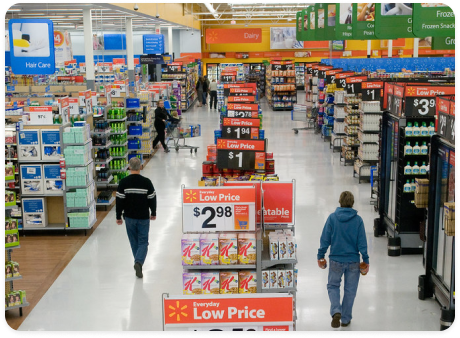
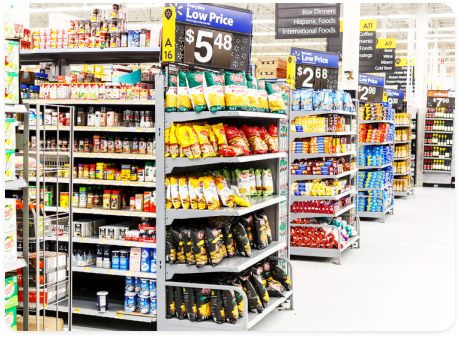
As you walk through a Walmart store, you probably notice that many of the aisles don’t change very often, but there are many “feature” locations that are updated regularly. The shelves at the ends of aisles, the large containers in the middle of the walkways, and the eye catching displays at the front of the store are a few examples.
Flexibility for local stores
The home office decides what goes in a lot of these feature locations, but they leave many open to allow store managers to order things that will work well in their local market.
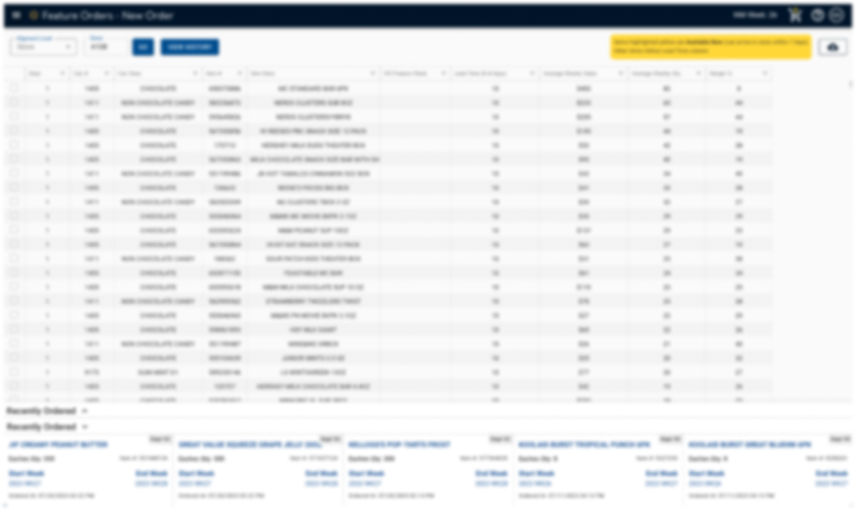
Overwhelming desktop tool
This led to the creation of the original store feature order tool, but the old web-based tool was very overwhelming and required associates to go to a desktop computer in the backroom to use it.
Below image: old desktop tool, blurred to hide sensitive info.
Proposed Solution
Order from the Sales Floor
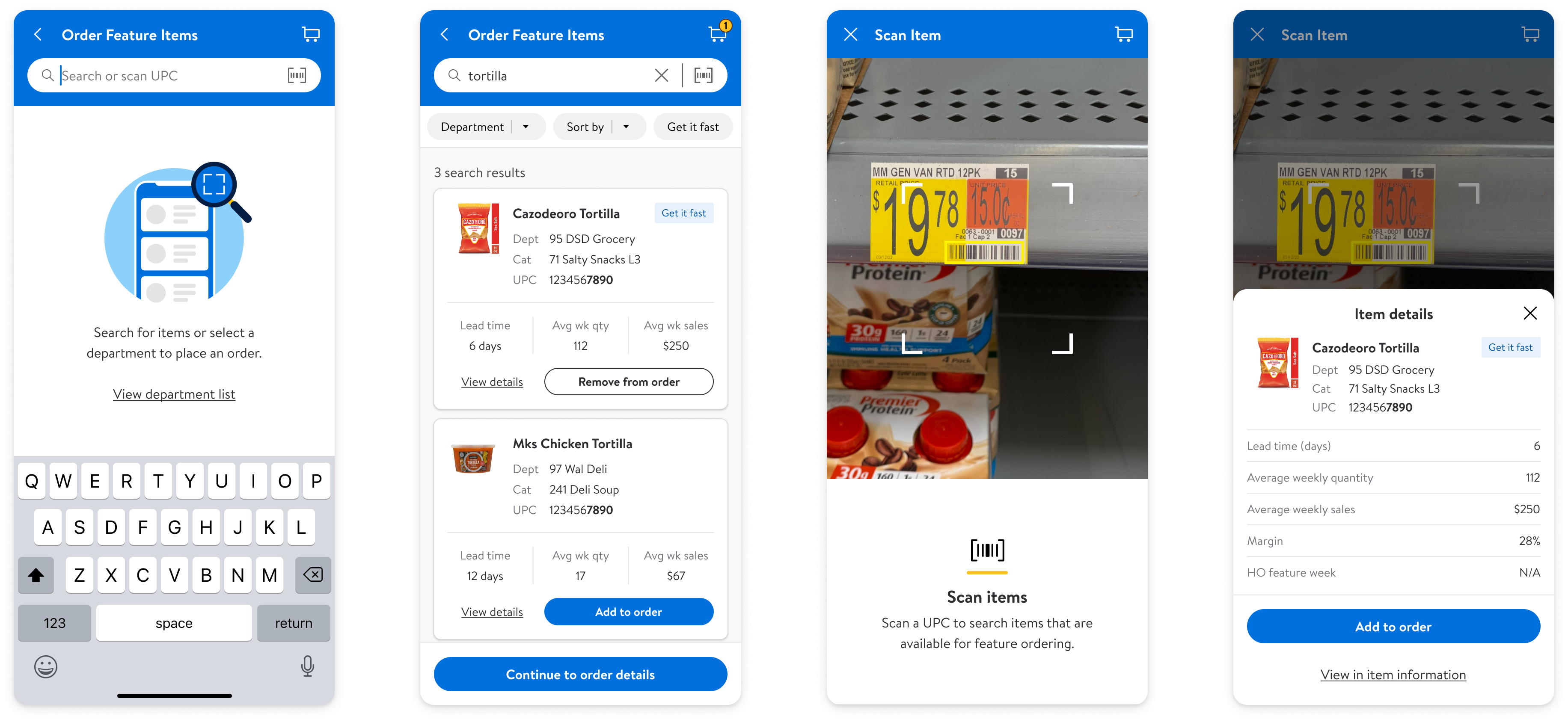
Create a simple and intuitive mobile experience that enables associates to order feature items as they walk the sales floor.
Discovery
How Do Stores Order Features?
I started by talking to managers to try and understand how they think about ordering features and how they interact with the desktop tool.
How do managers decide what kinds of items to feature?
- Often inspired by walking the sales floor.
- Typically had a specific item in mind, based on local demand or seasonal trends.
- Some took photos or screenshots, then used the desktop tool later.
What item information matters most?
- How fast they can they get the item.
- How well the item is selling.
- Its profit margin.
How do managers approach the ordering process?
- Some thought by department, others by display location.
- Some ordered one item at a time, others in bulk.
- Overall: lots of variation in workflows and preferences.
Early concepts for testing

Findings
Optimize for Speed and Clarity
After initial discovery, wire-framing, and associate testing, there were several key findings that stood out.
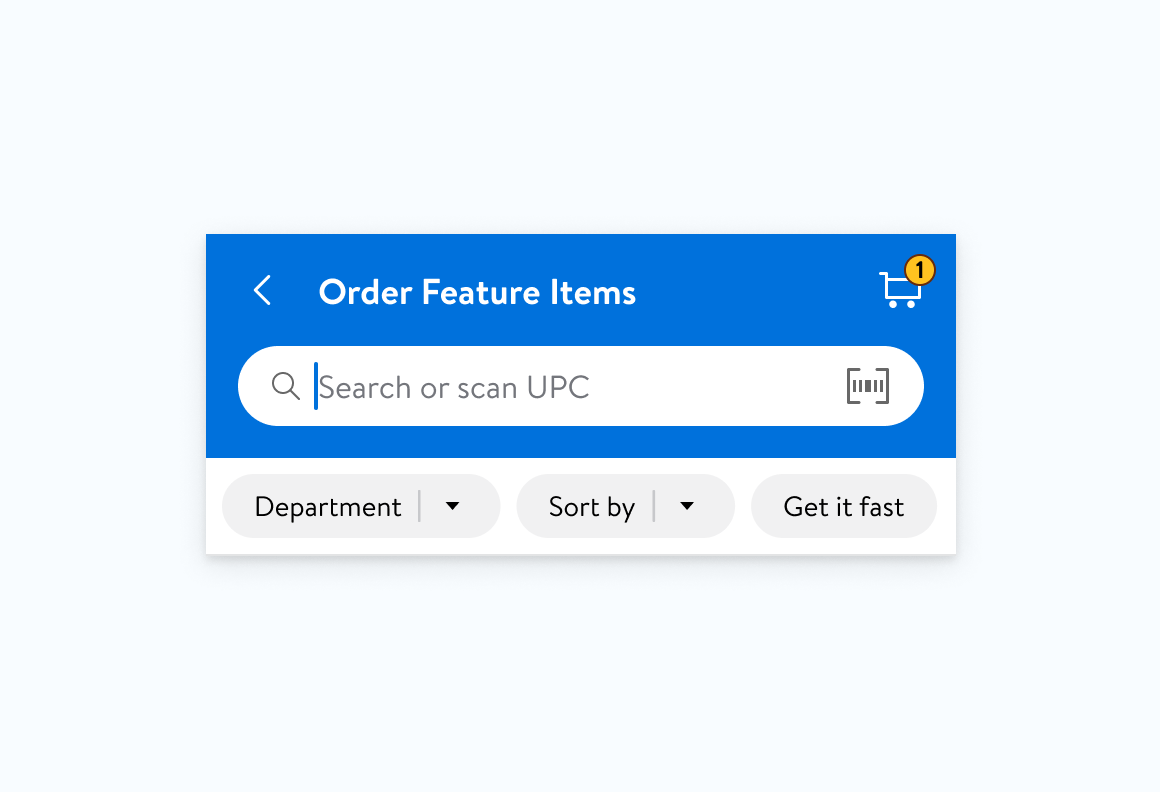
Lead with search + scan
Managers found it much faster to search or scan items rather than browse by department or category.
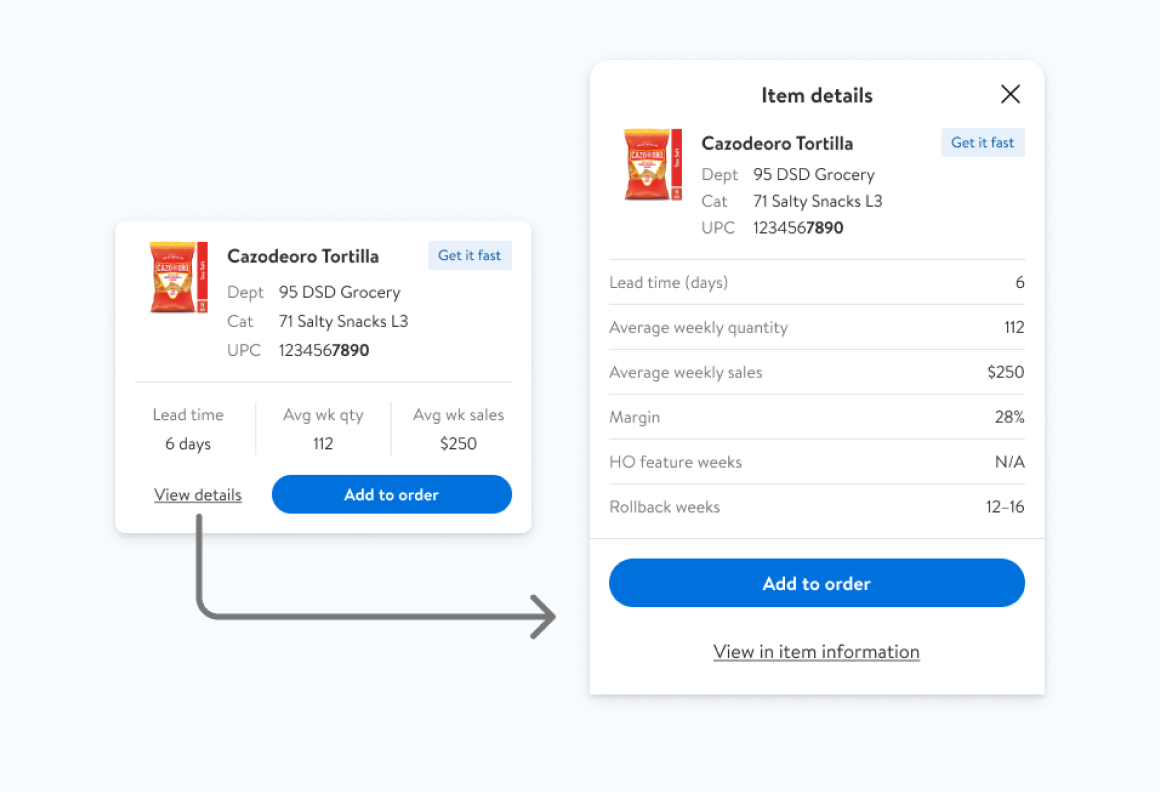
Streamline item details
Showing only the top 2–3 decision-making data points made scanning the list easier. We prioritized info that could also be filtered or searched.
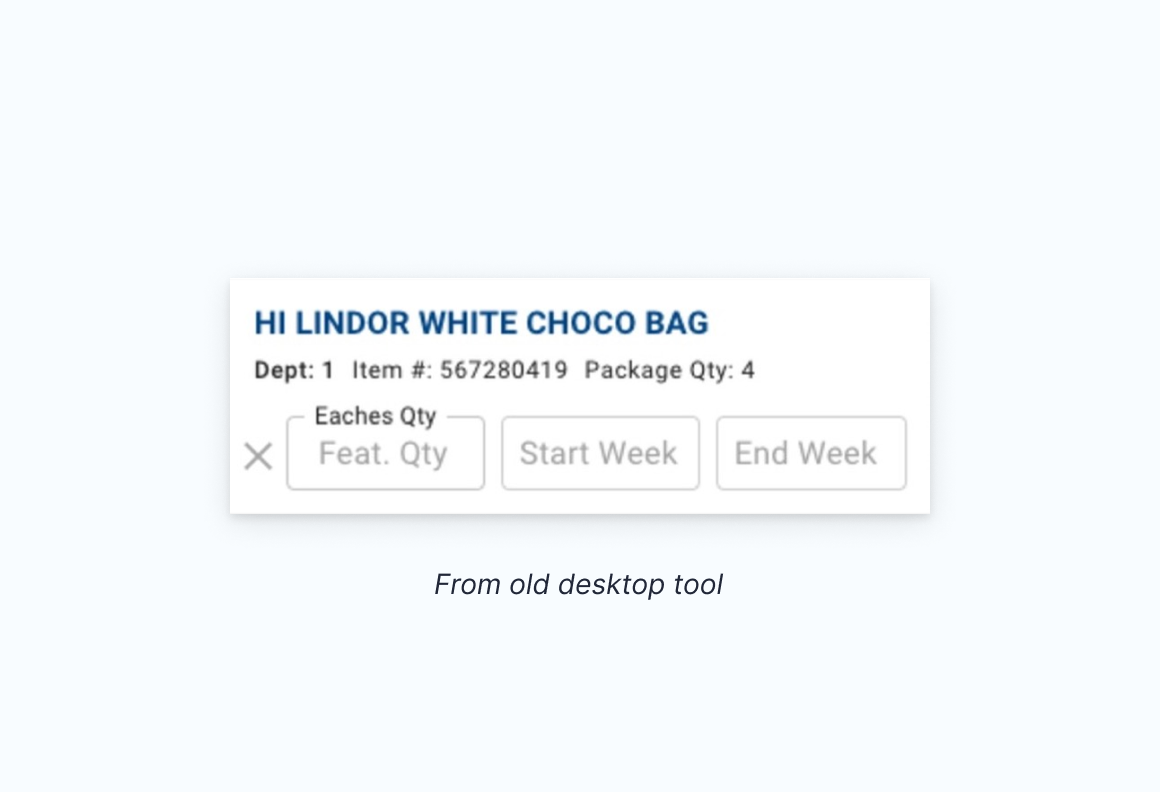
Order quantities caused confusion
The legacy tool didn’t clearly show how much to order, and stores often received unexpected inventory amounts.
Refinement
Scanning feature explorations
After uncovering the importance being able to scan items, I continued to refine the scanning feature to integrate it into the overall experience.
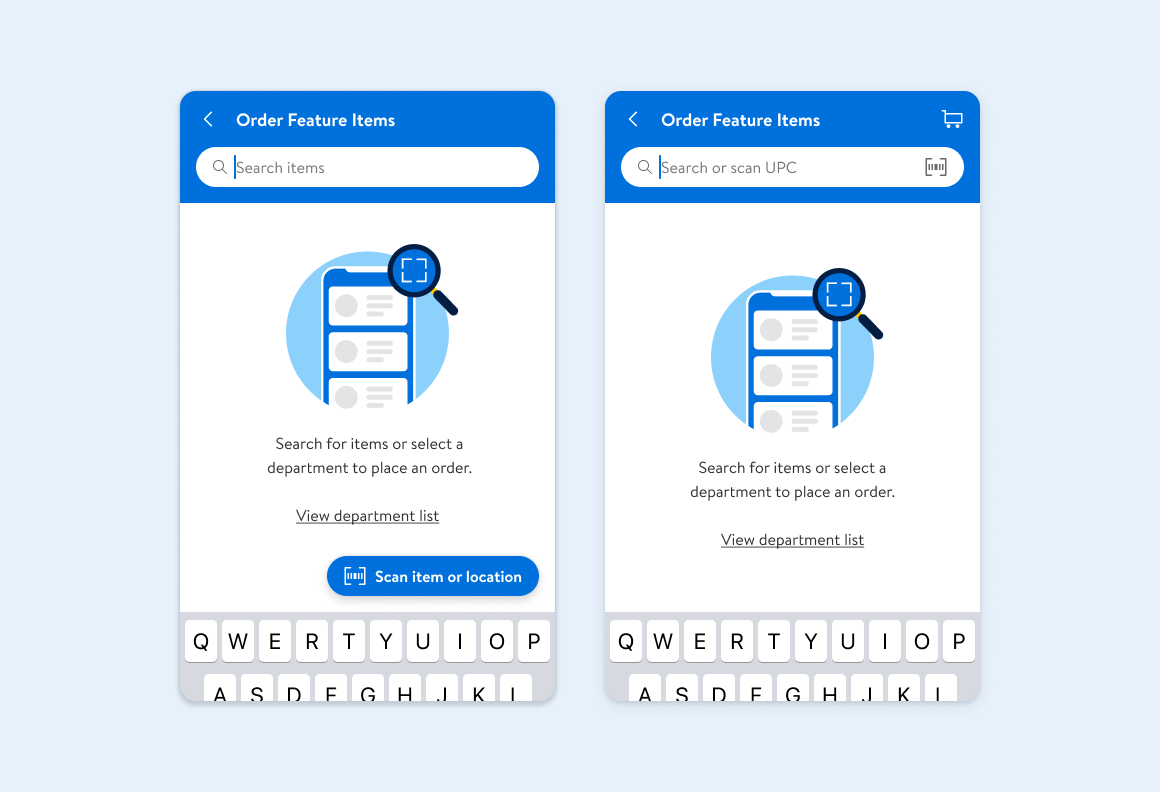
Placing the scan entry where it matters
I explored entry points mirroring the Features app’s floating action button, or following the search bar pattern from the Walmart consumer app.
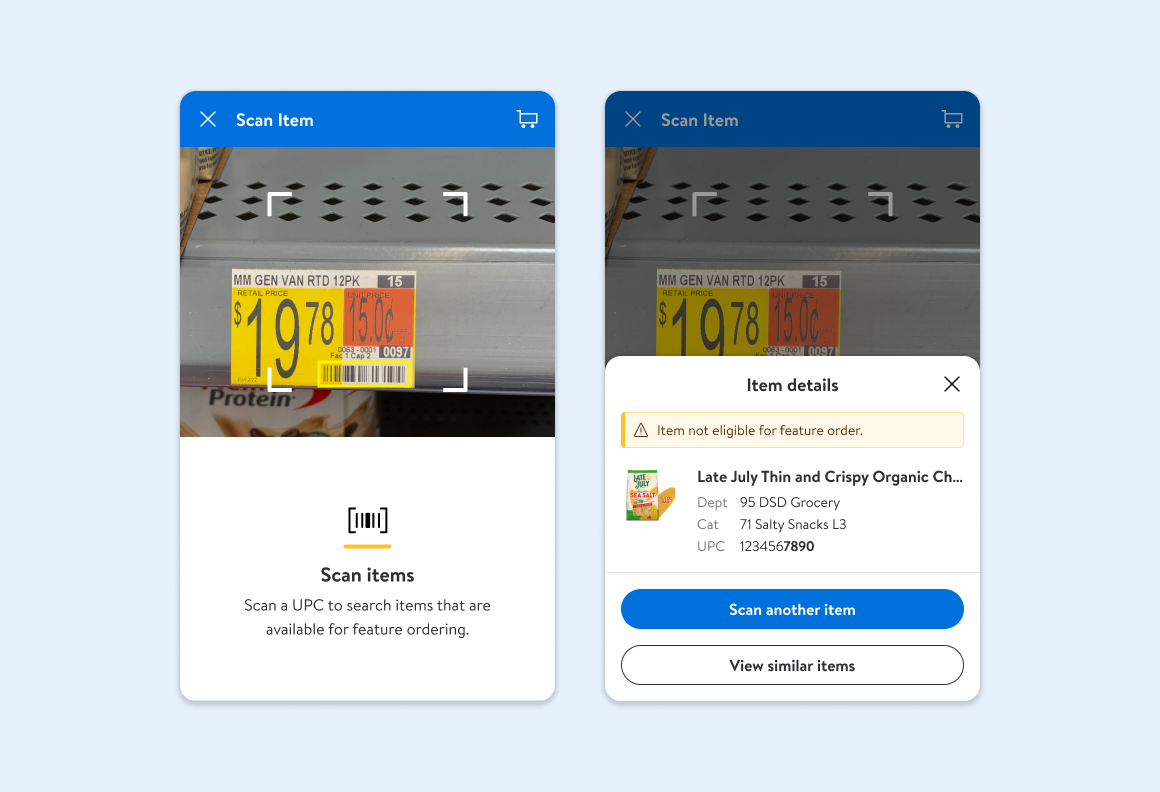
Eliminating dead ends in the scan flow
For unavailable items, I explored adding a feature that filtered the search by category, reducing friction and providing a seamless experience.
Stakeholder alignment
MVP trade-offs & long-term strategy
Scanning was the preferred search method, but didn’t fit the MVP timeline. I advocated for its prioritization as a fast-follow, aligning stakeholders around its impact on usability.
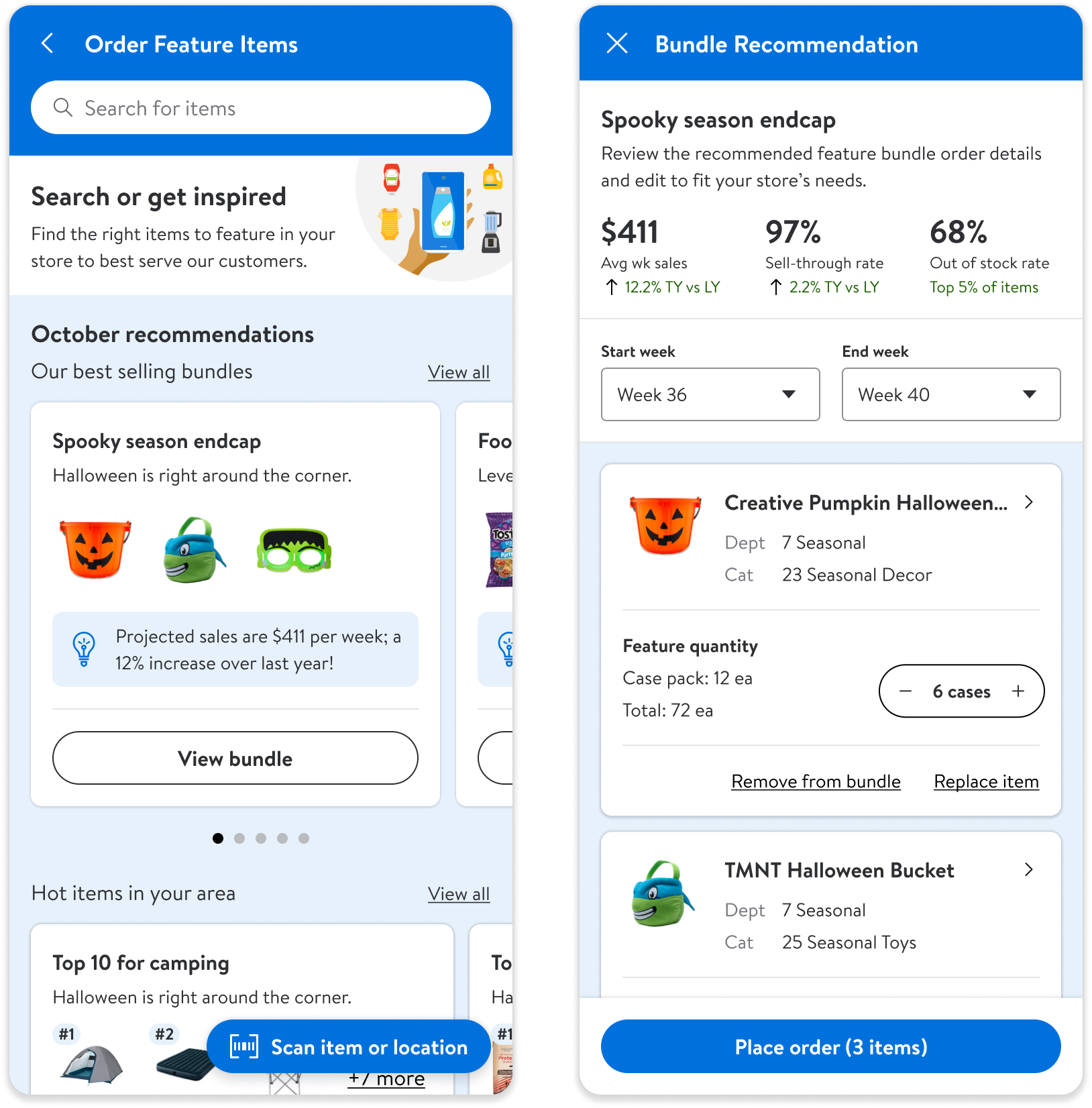
Designing for the future: space, timing, and smarter recommendations
I uncovered an opportunity to better support space planning in the tool, helping managers align orders with available space, leading to more accurate ordering and less overstock.
This led to concepts for smart bundles that would factor in location, time, and projected sales.
Project Impact
+110%
Increase in orders YoY.
Award winning final product
Winner of the Walmart Global Tech ‘Making a Difference’ award for 2024.
Final Designs
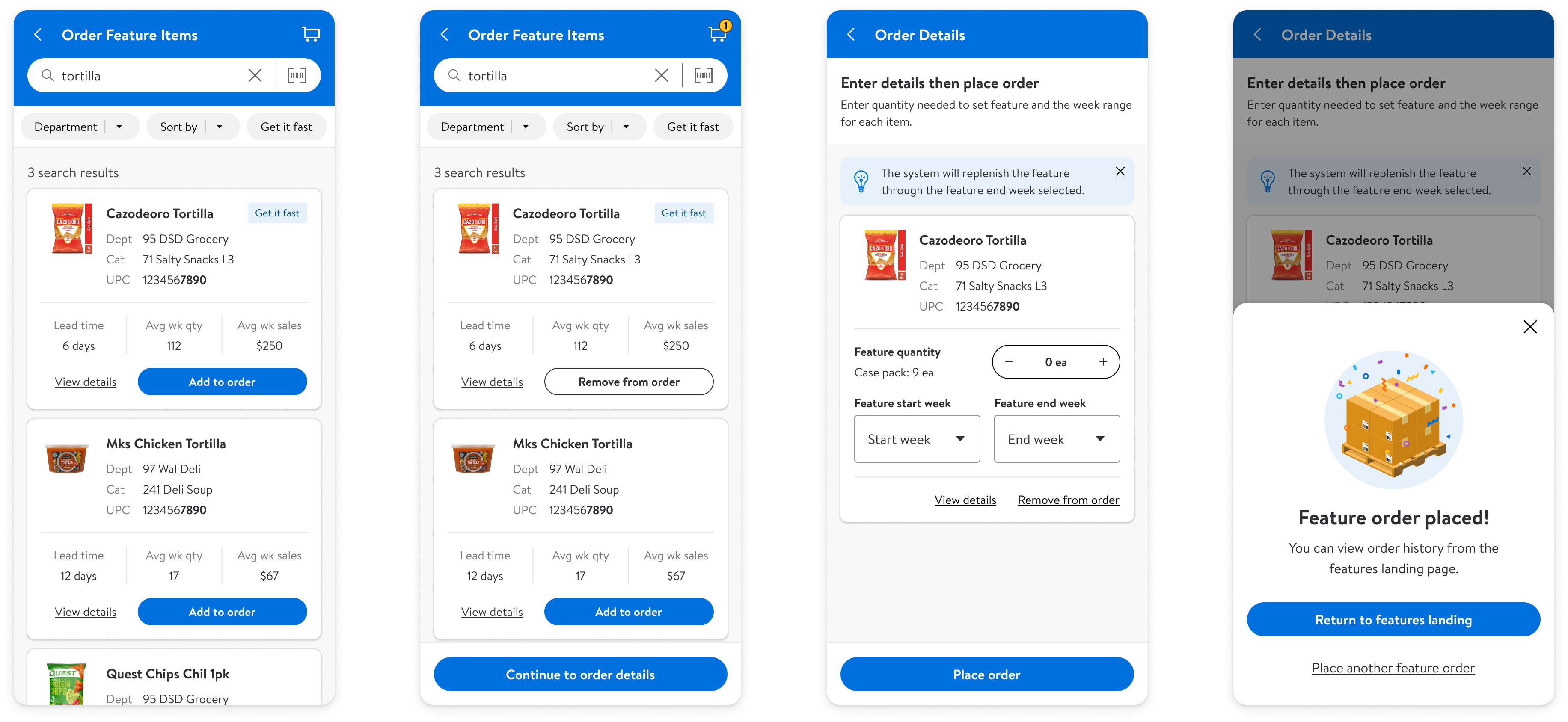
Searching available items
The flow launches with the keyboard open to let associates quickly search for an item on their mind. They can also browse by department if they need inspiration.

Scanning items
A link to scan items is placed in the same location as the consumer app. Associates can check the availability of items as they walk the sales floor.

Placing an order
Associates can browse the catalog and add multiple items to their order.
Other Projects
Revolutionizing Apparel Inventory with RFID and AR
Mobile app powered by RFID and AR, enabling associates to quickly locate, count, and stock apparel with precision and ease.
iOS & Android
Enterprise
Augmented Reality
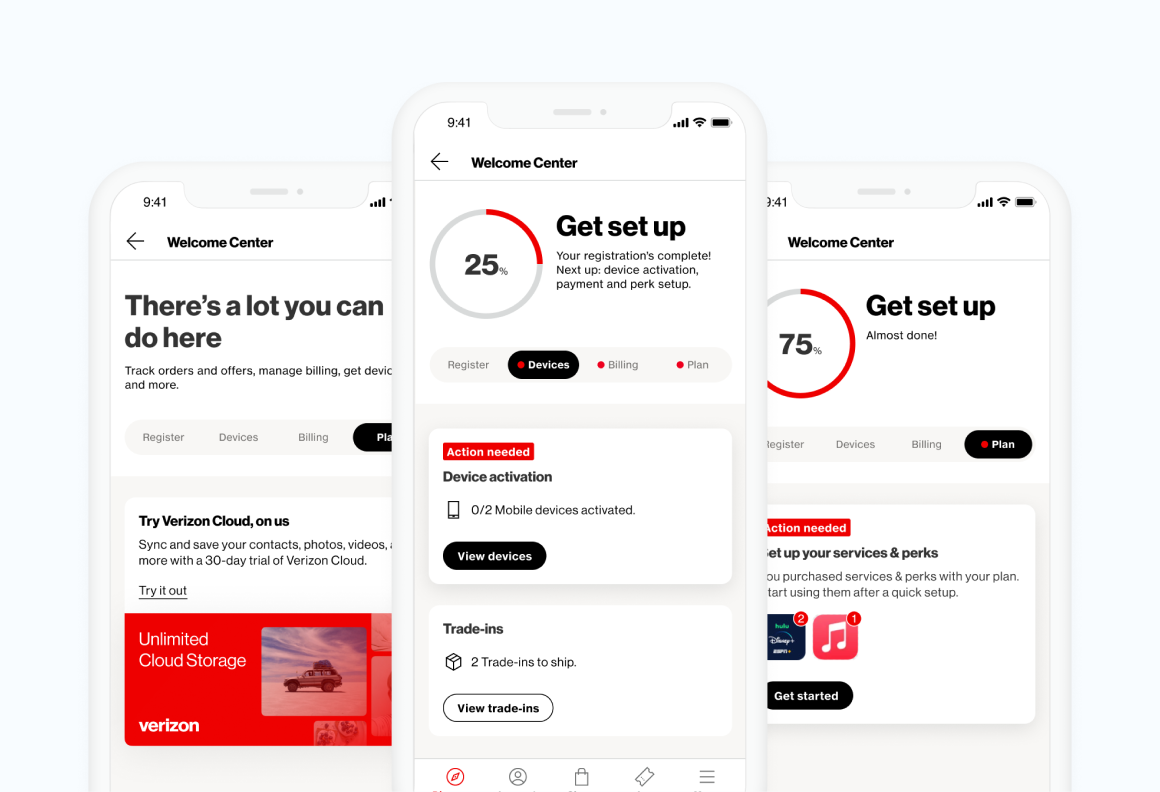
Scaling Onboarding to All Verizon Customers
A redesigned experience for new customers focused on task clarity, future scalability, and increased engagement.
iOS & Android
Consumer Product
Let's Connect
Reach out to learn more about my work or to talk design.

